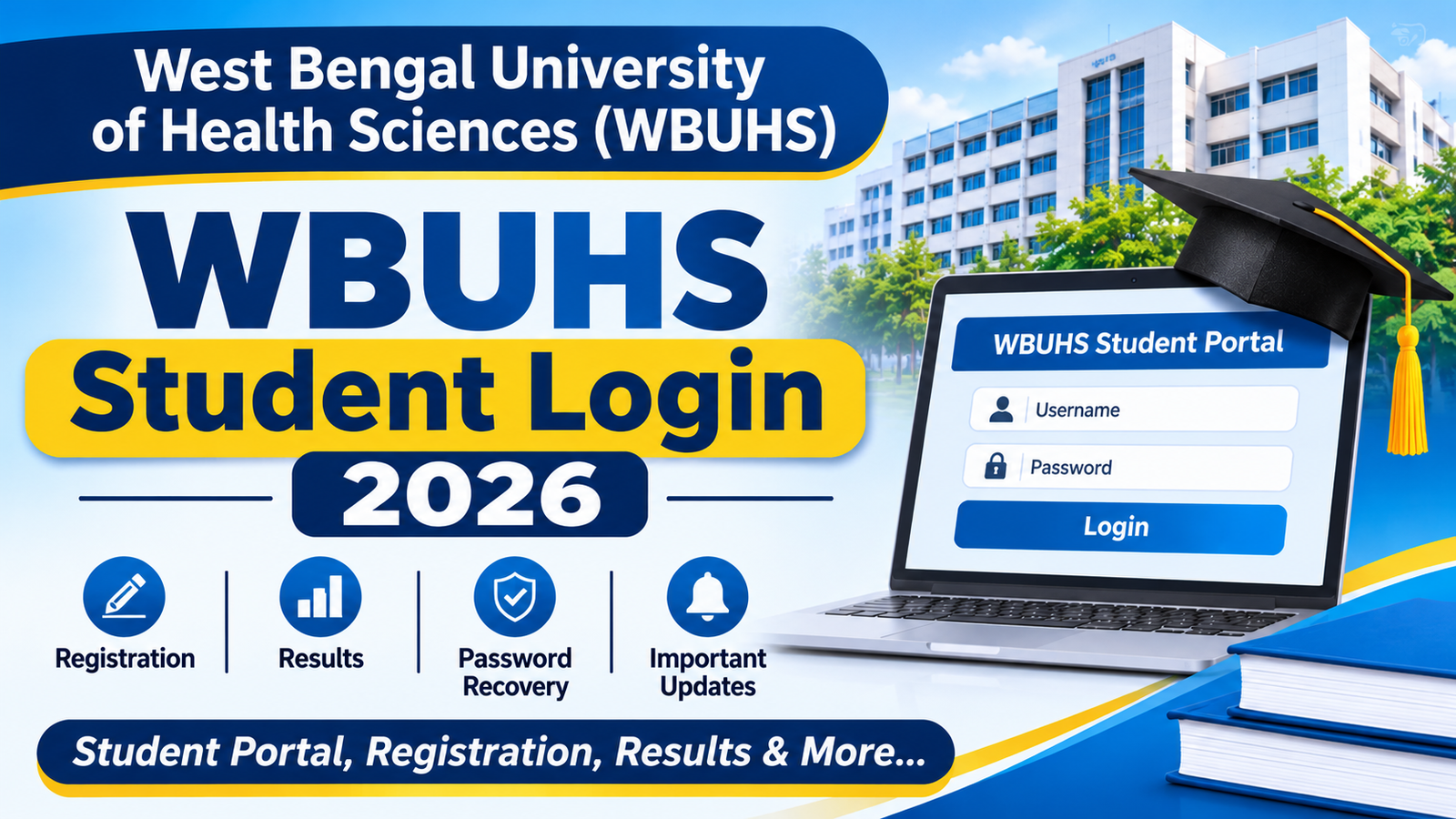
WBUHS Student Login 2026 is an online platform that facilitates the West Bengal University of Health Sciences (WBUHS) students registered in its affiliated colleges and institutions to access the platform. Students use the student login page to access online services related to the university, register into the various activities and manage their academic information.
The University’s online facilities can be used by students for academic and examination-related activities in MBBS, BDS, Nursing, BHMS, BAMS, MD/MS, Pharmacy and Physiotherapy and other health science courses.
The university offers an individual login for students, existing students, and college login and other academic services online. Students are to appropriately access the portal depending on the service required.
Get Free Admission Guidance — Talk to an Expert Today
- Expert Guidance for Admission
- Step-by-step Counselling Support
WBUHS Student Login 2026 – Overview
Particulars | Details |
|---|---|
University Name | West Bengal University of Health Sciences |
Popular Name | WBUHS |
Established | 1 January 2003 |
Language | Hindi |
Name of the Portal | WBUHS Student Portal |
Official Website | wbuhs.ac.in |
Login Mode | Online |
Courses | MBBS, BDS, BAMS, BHMS, Nursing, MD/MS and other courses |
Student Login | University Online Portal |
To coordinate and promote medical and health science education in West Bengal, the West Bengal University of Health Sciences was established. It is responsible for undergraduate, postgraduate and PhD courses in various health sciences.
Direct Portal for WBUHS Student Login 2026
Direct Portal for WBUHS Student Login 2026 is provided below.
Students may log in to the WBUHS student portal via the online logon system of the university.
Get Free Admission Guidance — Talk to an Expert Today
- Expert Guidance for Admission
- Step-by-step Counselling Support
WBUHS Student Login Portal
- University Student Login
- Official Charaka Student Portal.
WBUHS Student Login use your registered logon details for access to the services available to you as a student.
If you are new to this portal, please verify if you’ve registered at your college or at the university’s registration portal.
Get Free Admission Guidance — Talk to an Expert Today
- Expert Guidance for Admission
- Step-by-step Counselling Support
How to Login to WBUHS Student Portal 2026?
Students can log into their account on WBUHS via the following steps:
- Go to the official WBUHS student login site.
- Click on the student login section.
- Enter your registered user name or user information, as indicated.
- Enter your password.
- Finalize the verification process (if shown).
- Click on Login/Submit.
Once you have successfully logged in, go to the services you can use for your student account.
Students should enter the correct login information or they will experience login problems. Maintain an active registered mobile number/email address for account verification purposes.
WBUHS Student Registration 2026
If you come to a college affiliated to WBUHS after having been admitted, you may have to go through the registration process of the college. The university has an online registration system, available on the university website.
The associated college provides WBUHS with the students’ registration details who registered through the College. Students may also register online, if available.
For WBUHS Student Registration, please follow the following steps:
- Go to the official WBUHS website.
- Select the Registration/Login section.
- If you are a new user, click on New Registration.
- Fill in the necessary personal and course details.
- Fill out the information on the Registration Form.
- Check the information prior to submission of the application.
- Register all the required fields in the university as indicated.
If the student has already registered offline, he should choose the Registered Offline option to complete the remaining registration processes.
Official Registration Facility: WBUHS Registration/Login.
WBUHS Student Login Forgot Password
If a student forgets the password to access his/her WBUHS student portal, he/she can retrieve the password from the student portal password reset facility provided.
The password recovery page offers the choices to reset the password by using the registered email handle or cell phone quantity.
Steps to Recover Your WBUHS Student Login Password
- Go to the WBUHS Student Portal.
- Click on Forgot Password.
- Enter the email address/mobile number you’ve registered with the portal.
- Follow the instructions on the portal.
- See if the password recovery information is available in your registered email or mobile.
- Restart the computer and log in again with new credentials.
Forgot Password Facility
Recover your account with help of your registered email address or your mobile phone number.
The source of the open Forgot Password Portal is the WBUHS student portal.
WBUHS Student Portal Services
WBUHS online portal has access to various academic and administrative facilities. Services may differ based on the course the student is taking, his/her registration status and his/her university requirements.
Some of the important facilities are:
1. Online Student Registration
The registration facility (where applicable) can be used by new students to register for a university.
2. Student Account Login
Registered users will be able to log in to their accounts with their username and password and see what services are added to their users.
3. Examination-Related Information
Student may visit the notification section of the university examination to get examination notifications and examination schedule etc.
4. Results and Marksheet Information
The students are able to view the results of the examinations in the official examination results section of WBUHS. Availability of results is dependent on the exam and notification from the University.
5. Academic Notifications
The university releases various academic notifications, circulars and exam notifications on its official website.
Students will present their synopsis and dissertation. Students will present their synopsis and dissertation.
Students who are postgraduate or research students and are eligible can register and do any kind of registration-related activities through the separate WBUHS Synopsis and Dissertation Management Portal.
WBUHS Results 2026
The West Bengal University of Health Sciences holds the exams for different undergraduate and postgraduate healthcare courses. Students will be able to view the results on the university’s examination results section.
The university publishes results and information related to courses, including:
- MBBS
- BDS
- BAMS
- BHMS
- B.Sc Nursing
- M.Sc Nursing
- MD/MS
- Pharmacy
- Physiotherapy
- Other courses related to health sciences (affiliated)
How to Check WBUHS Result 2026?
To check the WBUHS Result 2026, follow the following steps:
- Log on to the official website of WBUHS.
- Click on Examination Results.
- Locate the course/exam notification result.
- Click on the correct answer link.
- Fill in the necessary information, if applicable.
- Check your answer and save or print for further reference.
Students are advised to regularly visit the official website of the university for the latest announcement of results.
WBUHS Student Login – Important Links
Below are important links to the WBUHS Student Portal:
Students Services | Official Portal |
|---|---|
University Website | WBUHS Official Website |
Student Log-in | Student Log-in Portal |
Student Registration | Online Registration |
Forgot Password | Password Recovery |
Examination Results | WBUHS Results |
Notice & Circulars | University Notices |
Synopsis & Dissertation | Submission Portal |
Common Issues with WBUHS Student Login
The following are some common issues with the WBUHS Student Logon.
Accessing students’ accounts sometimes may be difficult. Some common problems and possible solutions are given below.
Common Issues | Possible Solutions |
|---|---|
Incorrect Username or Password | User enters incorrect username or password. |
Invalid Password | Make sure you enter the right password and enter it again. |
Forgot Password | If you forgot your password, you can use the password recovery facility. |
Login Page Not Opening | Make sure that you have an internet connection, or use a different browser. |
OTP Not Received | Check the mobile number and email you’ve registered. |
Registration Not Found | Please check with the college administration. |
Account Login Error | Please check with the university or the appropriate college department. |
If the problem continues, students should contact their college administration or the university’s concerned department.
WBUHS Contact Details
If students require any help with registration, examination forms or anything else in relation to the university, they may reach out to the official contact of WBUHS.
- University: West Bengal University of Health Sciences
- Address: DD Block, Sector-1, Salt Lake City, Kolkata, West Bengal – 700064
- Phone: 033 2334 2028
- Email: info@wbuhs.ac.in
- Website: wbuhs.ac.in
The helpline number for registration-related issues is also mentioned in the university’s website: 8336911464.
The contact number for examination form and examination-related queries is 6289231742 (between 10 AM to 5:30 PM). Please check the availability of these contact services before calling.
The website is the property of WB University of Health Sciences.
Frequently Asked Questions (FAQs)
1. What is WBUHS Student Login?
WBUHS Student Login is an online facility, which is provided by the West Bengal University of Health Sciences to give the registered students access to the academic and administrative services related to the university.
2. What is the procedure to access the WBUHS Student Logon?
Go to the official student portal, i.e. charaka.wbuhs.ac.in, and put in your registered login information.
3. What is the way to get my student password back for WBUHS?
Go to the Forgot Password section and enter the registered email address or mobile number in the section and follow the process to reset the password.
4. How to register new students in WBUHS portal?
New students are invited to go to the official university website and sign up/log in to the website in the Registration/Login section (as applicable).
5. Is it possible to view WBUHS results on the student logon site?
The results of the examinations will be made available to students via the dedicated Examination Results section of the official WBUHS website.
6. What are the courses included in WBUHS?
WBUHS is responsible for the administration of various healthcare courses like MBBS, BDS, BAMS, BHMS, Nursing, MD/MS, Pharmacy, Physiotherapy, and others.
7. If my WBUHS student login doesn’t work, what do I do?
Check your login credentials, internet connection and account registration status. If the problem persists, speak to your college administration or WBUHS.
8. Can you get a copy of WBUHS Student Login online?
Yes. The official website of the university is where students can access the online student portal.